


Prodillo G2 WiFi Gateway
Prodillo G2 WiFi Gateway
Instantly grant or revoke access permissions from anywhere in the world.
Kan beschikbaarheid voor afhalen niet laden
Product Overview
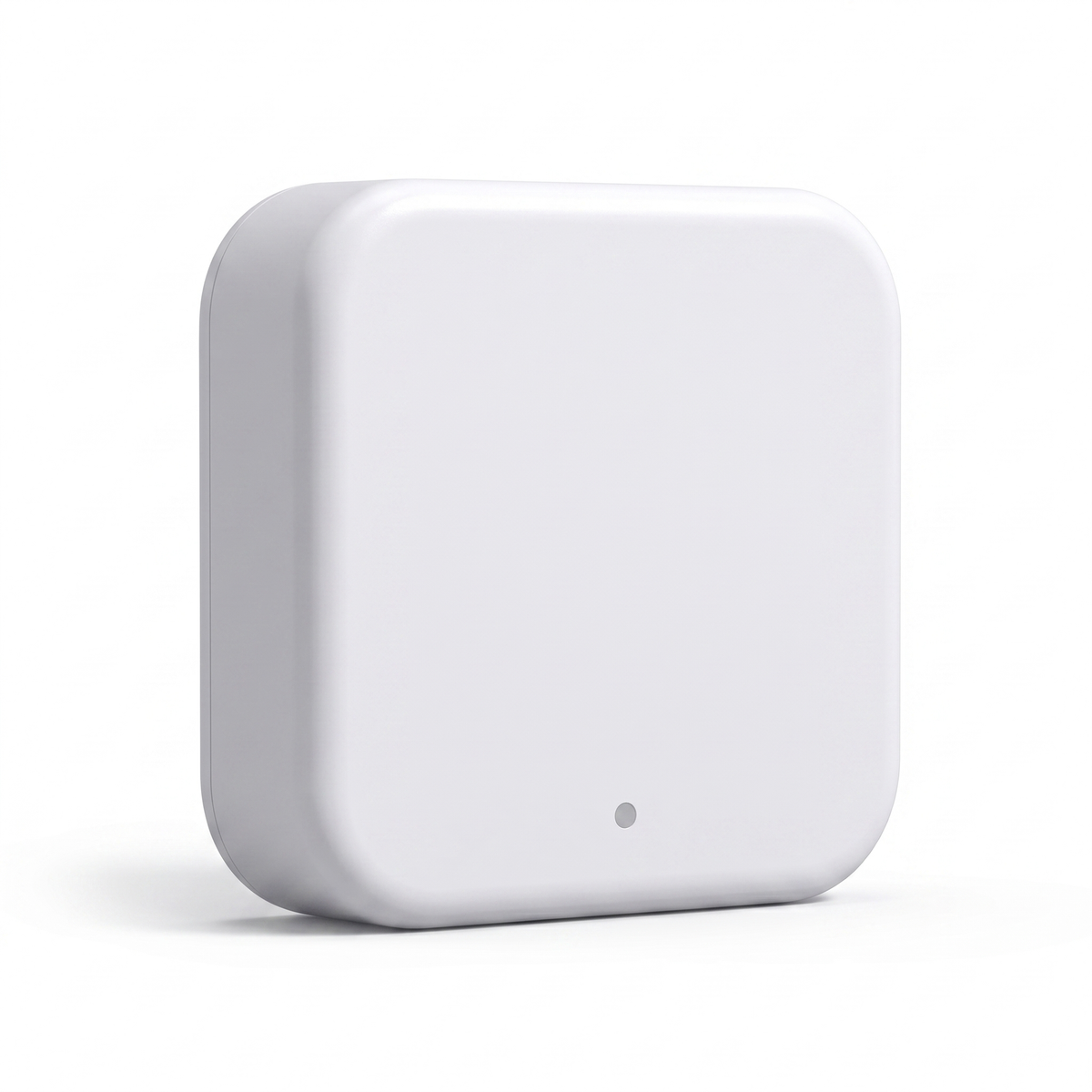
Unlock the full potential of your Prodillo smart lock with the Prodillo G2 WiFi Gateway – the small but mighty device that transforms your Bluetooth lock into a fully remote-controlled smart home powerhouse. If you’ve ever wished you could check whether you locked your door from the office, let a guest in while you’re across town, or manage access for your Airbnb without being on-site, this is the missing piece. Simply plug it in, connect in under 2 minutes, and unlock the ability to control your door from anywhere in the world.
Key Features:
Technical Specifications:
Technical Specifications:
• Dimensions: 70mm × 70mm × 26mm (2.76” × 2.76” × 1.02”)
• Wireless Network: WiFi 2.4GHz
• Bluetooth: Bluetooth 4.0
• Maximum Range: Up to 10 meters / 32 feet between Gateway and lock
• Power Interface: USB-C (Type-C)
• Encryption: AES 128-bit
• Lock Capacity: Supports multiple smart locks simultaneously
• App Compatibility: TTLock (iOS & Android)
• Voice Assistant Support: Amazon Alexa, Google Home
• LED Indicators: Flashing Red/Blue = ready to pair | Solid Blue = connected | Red = network failure
What's Included:
What's Included:
• Prodillo WiFi Gateway (G2) unit
• USB-C power cable
• Quick setup guide
Risk-Free Guarantee:
Risk-Free Guarantee:
Free Shipping:
All orders include free shipping and are shipped within 24 - 48 hours of being placed. Orders usually arrive within 6 - 10 days.
Returns:
We have a 30 day Return Policy. If the items don't meet your standards, feel free to request a refund. Check our full Refund Policy for more details.


Easy 3-Step Setup
1. Plug the Gateway into any USB power source near your smart lock (within 32 feet/10 meters)
2. Open the TTLock app, tap the menu (≡), select Gateway, then tap + to add a new device
3. Connect to your 2.4GHz WiFi network and pair with your lock – done in under 2 minutes
Note: The Prodillo WiFi Gateway requires a 2.4GHz WiFi network (not compatible with 5GHz-only networks). Keep the Gateway plugged in at all times to maintain remote access features.
Let customers speak for us
The Z10 feels premium from the moment you unbox it. The materials are solid, and the finish is sleek - it looks stunning on our front door. Facial recognition is fast, usually unlocking before I even reach for the handle.

We had issues with our previous lock during winter. This one has held up beautifully—no jams or freezing. Reliable year-round.

Running an Airbnb, I used to manually exchange keys with guests. Since installing the MS01, check-ins & check-outs are fully automated. It’s saved me a ton of time, guests always comment how secure it feels.
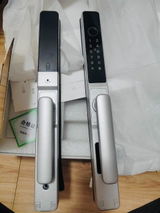
The app is intuitive and the lock responds quickly to commands.

No keys, no hassle—just tap your thumb on the R3 handle and the door opens. I especially love the one-touch lock when leaving in a rush.

I rent my home out frequently and needed a secure but flexible way to give guests access. This smart lock lets me control everything from my phone—even when I’m traveling.

Installed one on my trailer and keeps my tools secure. Weather-resistant and solid build. Set it and forget it.

Replaced my shop door, I appreciate the ability to check who accessed the office and when. Great accountability for the team.
I love the sleek, modern design—and this lock fits perfectly with our aesthetic. Functions are spot-on too.
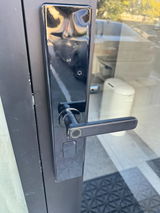
My elderly father kept forgetting his keys. Now with the fingerprint reader, he just walks up and unlocks the door. It’s made all our lives easier.
Operates silently and securely—a perfect addition to any home.

Great addition to my smart home setup. Love the remote locking feature.
Bought the V series lock - the easy controls and seamless setup made this lock incredibly user‑friendly. Highly recommend!
Managing multiple rental properties, I needed something reliable and easy to reset between tenants. This lock is perfect.
Investing in the Prodillo Smart lock was definitely worth it. It's made my home safer and more convenient, and I couldn't be happier with the purchase.
Frequently Asked Questions
What does the Prodillo G2 WiFi Gateway actually do?
It acts as a bridge between your Bluetooth smart lock and your home WiFi network, giving you full remote control through the TTLock app from anywhere in the world. Without it, your lock can only be controlled via Bluetooth, meaning you need to be physically close to the door to use the app.
How hard is it to setup?
Setup takes under 2 minutes with 3 simple steps – plug it in, open the TTLock app, add the gateway, and connect it to your 2.4GHz WiFi. Your smartphone and the gateway need to be on the same WiFi network during the initial pairing process.
Can I control multiple locks with one Gateway?
Yes! One Gateway can support multiple Prodillo smart locks with the TT Lock app simultaneously. There is no limit on paired devices, making it ideal for homes with several entry points or properties with multiple units.
Where should I place the Gateway in my home?
Place it within 10 meters (32 feet) of your smart lock to ensure a reliable Bluetooth connection, while also within reach of your WiFi router’s signal. The closer to both the lock and router, the more stable the connection will be.